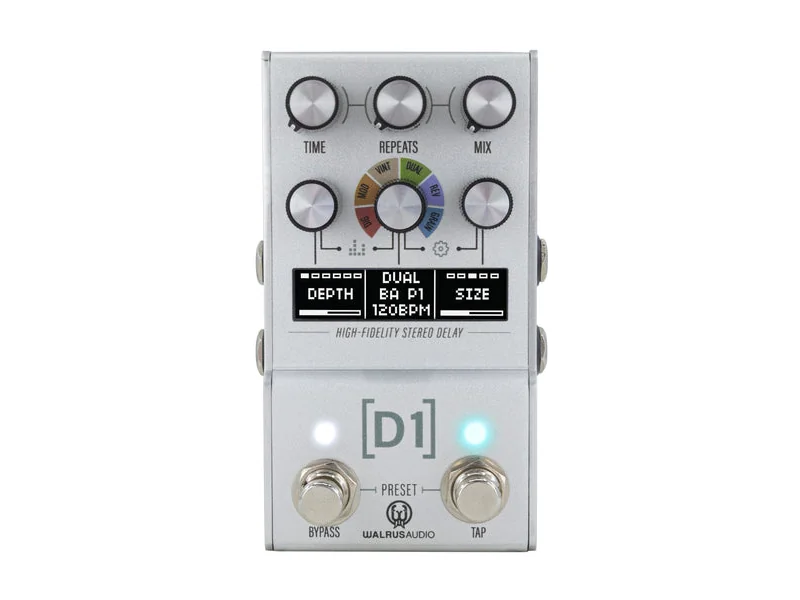
Recommended Pedals
The essential Delay pedals to know about
MXR Carbon Copy
Bucket-brigade analog delay with warm, organic repeats and natural compression. The tape-like warmth is part of the sound. Simple, no-nonsense interface.
Strymon Timeline Delay
Multiple algorithms, tap tempo, expression control, preset recall. Industry standard for touring pros with legendary build quality.
TC Electronic Flashback 2 Delay
Digital delay with TC Electronic quality, tap tempo, expression control, and affordable price. TonePrint technology for custom presets.
Source Audio Nemesis Delay
Comprehensive delay engine with 12 unique algorithms including tape, analog, digital, and reverse. MIDI control for deep integration.
Delay repeats your notes, creating space and rhythmic interest. It ranges from barely noticeable (5-10ms slapback that adds thickness) to cavernous (multiple-second repeats that create lush, orchestral textures). Delay is the effect that adds dimension without being as obvious as reverb. It works in almost any musical context and is fundamental to modern guitar tone.
Understanding Delay Time: The Foundation
Delay time is the interval between your original note and the repeat. This single parameter affects everything:
Slapback Delay (5-50ms)
Barelyperceptible echo that adds thickness and width without obvious repeats. Many players use this unconsciously—running a subtle slapback constantly. It makes your tone sound thicker, like you're playing through a larger room.
Use: Always-on subtle delay. Stacks beautifully with reverb. Barely noticeable but transforms tone.
Rhythmic Delay (250-750ms)
Repeats land musically within your song. A 500ms delay synced to a 120 BPM song lands on the eighth-note or quarter-note triplet—musically appropriate and tight.
Use: Lead lines, solos, creating rhythmic texture that locks to the groove.
Pro tip: Tap tempo synchronization is crucial. Manually matching delay time to your song prevents musically awkward repeats.
Spacious Delay (1-3 seconds)
Obvious repeats that create space and dimension. Three-second delays create obvious slapback—the repeat is clearly a separate note, not an extension of the original.
Use: Ambient passages, space creation, orchestral effects.
Extreme Delay (5+ seconds)
Very long repeats that create almost-ambient textures. Multiple seconds of repeating echoes stack together, creating a wall of sound.
Use: Textural, experimental work. Live loops without a dedicated looper pedal.
Feedback and Sustain: The Repeat Count
Feedback determines how many times the delay repeats before fading to silence.
Low feedback (1-3 repeats): One or two clear echoes, then silence. Clean, defined sound that doesn't obscure the original note.
Medium feedback (4-8 repeats): Multiple repeats creating sustained echo. The delay becomes part of the note's sustain.
High feedback (9-12+ repeats): Long trails of repeating echoes. Can become muddy if not carefully controlled.
Infinite feedback (100%): The delay repeats forever, creating ambient washes. Each repeat decays naturally (in analog delay) or stays perfectly clean (in digital).
The Feedback-to-Tempo Relationship
Higher tempo = more feedback needed to avoid gaps between repeats.
Lower tempo = less feedback needed (slower repeats naturally have longer tails).
Pro setup: At 120 BPM with quarter-note delay:
- Feedback at 40% = clean definition with obvious spacing
- Feedback at 60-70% = repeats fill the space, creating sustain
- Feedback at 90%+ = ambient washes, potential for mud
Analog vs. Digital Delay: The Warmth vs. Precision Debate
Analog Delay (Tape Echo, Bucket-Brigade)
How it works: Your signal is recorded onto tape or passed through a long shift-register circuit (bucket-brigade), creating the repeat. Each repeat is physically degraded—compressed, warmed, rolled back in the high-end.
Character:
- Natural compression (tape saturation)
- High-end roll-off on repeats (sounds organic, "aged")
- Slight wow and flutter (on tape units)
- Warm, musical tone
- No digital artifacts
Limitations:
- Temperature-sensitive (tape expands/contracts with heat)
- Mechanical wear (tape heads degrade)
- Limited delay time (tape echo = 1-3 seconds max)
- No preset recall
- Can be noisy if not well-maintained
Best for: Players prioritizing tone and character over precision. Studio work, bedroom tone exploration.
Examples:
- Electro-Harmonix Deluxe Memory Man (bucket-brigade with modulation)
- Moog MoogerfoogerDelay (bucket-brigade)
- Various tape echo machines (vintage)
Digital Delay
How it works: Your signal is sampled (converted to data), stored in memory, then played back. Repeats are mathematically exact copies of the original.
Character:
- Pristine repetition (exact copies)
- High-fidelity repeats (no compression)
- Stable (no temperature drift)
- Multiple algorithms (analog emulation, reverse, granular, etc.)
- Preset recall
- No mechanical degradation
Limitations:
- Can sound sterile compared to analog
- Some players notice digital artifacts (though modern design hides them)
- More features = more complexity
- Requires batteries/power (though pedals are typically mains)
Best for: Professional touring, preset recall, effects variety, reliability.
Examples:
- Strymon Timeline (gold standard, analog algorithms)
- Boss DD-200, DD-3T (reliable, extensive algorithm library)
- Line 6 HX Effects (modeling platform with 150+ delays)
The Truth About Analog vs. Digital
Modern digital delays emulate analog characteristics so accurately that the difference is subtle. A high-quality digital delay with "analog mode" is nearly indistinguishable from actual tape echo. The difference matters only to the most sensitive ears.
Choose analog if: You prioritize tone, play mostly in controlled environments, don't need preset recall.
Choose digital if: You gig live, want reliability, need multiple algorithms, or play different songs requiring different delays.
The Dry/Wet Balance: Blend Control
Dry signal = your original note.
Wet signal = the delayed repeats.
100% dry, 0% wet = No delay (pedal is off).
70% dry, 30% wet = Subtle slapback, mostly your tone with obvious dimension.
50% dry, 50% wet = Balanced effect, obvious but not extreme.
0% dry, 100% wet = Pure delay, no original signal (extreme texture, barely recognizable notes).
Pro Use of Blend Control
For rhythm playing: 20-30% wet. The delay is obvious enough to create space but doesn't interfere with the groove.
For lead lines: 40-50% wet. More obvious, clearly an effect, but your original note remains dominant.
For ambient/textural work: 70-90% wet. The delay becomes the primary sound, original note is almost secondary.
For edge-of-breakup tones: 10-15% wet. The delay adds dimension without obvious effect character.
Delay Modulation: Adding Movement to Repeats
Some delay pedals add modulation effects (chorus, flange, vibrato) to the delayed repeats. This creates swirling, textural effects:
Chorus on Repeats
Adds width and stereo spread to the repeats. Creates a lush, almost reverb-like texture.
Use: Lead lines, ambient passages, creating richness without obviously layering effects.
Flange/Phaser on Repeats
Adds a sweeping, filter-like movement. Repeats seem to "whoosh" through the frequency spectrum.
Use: Experimental textures, psychedelic effects, distinctive tone shaping.
Tape Wow/Flutter
Simulates the imperfections of vintage tape machines. Adds organic instability to repeats.
Use: Creating vintage character, tape saturation feel in digital pedals.
Delay in the Signal Chain: Placement Matters
Standard Order
- Guitar → Tuner
- Boost/Compressor
- Overdrive/Distortion
- Modulation (Chorus, Flanger)
- DELAY GOES HERE
- Reverb
Why? Delay after modulation means the modulation effects get delayed (creating swirly, complex textures). Delay before reverb means the delay's repeats get reverb, creating spacious, lush depth.
Exception: Delay Before Drives
Some players use delay before distortion/overdrive to create compressed, distorted repeats. The drives process the delay repeats, creating unique textures.
Pro use: Experimental tone crafting, creating compressed, coherent walls of sound.
Exception: Delay as Always-On Texture
Many professional players leave 15-20% wet delay running at all times. The delay becomes part of the core tone, not an effect.
Tempo Synchronization: The Tap Tempo Feature
Tap tempo lets you synchronize delay time to your song's tempo by tapping the footswitch in rhythm.
Why it matters: A delay that's out of tempo is instantly noticeable and unmusical. Synced delays feel tight and locked-in.
Tempo Sync in Practice
At 120 BPM:
- Quarter-note delay = 500ms
- Eighth-note delay = 250ms
- Triplet delay = 333ms
- Dotted eighth = 375ms
Misalignment by even 50ms is noticeable. This is why tap tempo is crucial for professional use.
Modern Tap Tempo
Many modern delays auto-sync to:
- Song tempo (if synced to MIDI clock)
- Expression pedal speed
- Click track (in recording)
This automation removes the need for manual tap tempo but requires external synchronization.
Delay Stacking: Combining Effects
Delay + Reverb (The Standard Combination)
Delay feeding into reverb creates space and depth. The repeats get reverb, creating smooth, lush trails.
Setup: Delay in signal chain → Reverb at the end.
Result: Tight, defined repeats with spacious, reverb-washed trails.
Delay + Compression
Compression before delay tightens the repeats, making them more defined and controlled.
Setup: Compressor early → Delay later in chain.
Result: Clean, articulate repeats that sit tightly in the mix.
Dual Delays (Tempo-Synced)
Two delay pedals with different delay times create complex rhythmic patterns.
Setup:
- Delay 1: Quarter-note tempo
- Delay 2: Dotted-eighth tempo
Result: Intricate repeating patterns that would require a complex algorithm on a single pedal.
Reverse Delay
The delay plays backward, creating eerie, experimental textures.
Use: Ambient music, psychedelic effects, texture creation.
Famous Delay Tones: What Made Them Sound That Way
The Edge (U2) - Analog Delay Drenched
Extensive use of tape delay with long repeats and high feedback, creating a signature spacious tone. Every note sits in a cloud of repeating echoes.
Lesson: Generous delay settings can become part of an artist's signature tone.
David Gilmour (Pink Floyd) - Slapback + Reverb
Subtle slapback delay combined with reverb creates the iconic Floyd sound. Not extreme, just enough to add dimension.
Lesson: Subtle delays often work better than obvious ones in mix contexts.
Andy Summers (The Police) - Reggae-Synced Delay
Tempo-synced delay locked to reggae rhythms creates rhythmic interest without obvious effect character.
Lesson: Synced delays lock to groove better than free-running delays.
2026 Delay Landscape
Analog Making a Comeback
Bucket-brigade delays and tape emulations are experiencing a renaissance. Players are rejecting the perfectionism of digital in favor of analog warmth.
Digital Modeling at Peak Quality
Modeling platforms (Fractal, Kemper, Line 6) now offer delay emulations that are virtually indistinguishable from hardware. Convenience and flexibility are winning over warmth.
Multi-Delay Processing
Newer pedals offer parallel processing—multiple delays running simultaneously with independent time/feedback. Creates complexity that single-delay architecture can't match.
AI-Assisted Tempo Sync
Some modern pedals auto-detect song tempo via microphone input, automatically syncing delay without tap tempo.
Common Delay Mistakes
Mistake 1: Too Much Feedback
More feedback sounds bigger, but creates mud and obscures the original note. Most professional players use 40-60% feedback.
Mistake 2: Delay Time Out of Tempo
A delay that doesn't sync to your song's rhythm sounds wrong immediately. Always use tap tempo or calculate time mathematically.
Mistake 3: Delay Competing with Reverb
Both delay and reverb add space. Using both at high settings creates muddiness. Typically: delay at 30-40%, reverb at 25-35%.
Mistake 4: Using Delay on Every Single Note
Delay is for space and dimension, not for rhythm. Use it strategically, not constantly.
Mistake 5: Placing Delay Before Modulation
Delay should typically come after modulation. Modulation on repeats creates confusion.
Mistake 6: Not Using Tap Tempo
Free-running delay without tempo sync sounds unprofessional. Tap tempo is non-negotiable for gigging.
Troubleshooting Delay Issues
Problem: Repeats Sound Muddy or Indistinct
Solution: Lower feedback (reduce repeats) or reduce blend (less wet signal).
Problem: Delay Feels Out of Time
Solution: Use tap tempo. Calculate delay time if tap tempo unavailable. Verify you're synced to correct subdivision (quarter vs. eighth).
Problem: Repeats Decay Too Quickly
Solution: Increase feedback. Add reverb to repeats (place reverb after delay in chain).
Problem: Delay Disappears Entirely in Band Context
Solution: Increase delay time (make repeats more obvious) or increase feedback (longer trails). Or increase mix level (blend control).
Problem: Analog Delay Sounds Wrong in Different Temperatures
Solution: This is normal for tape/bucket-brigade. Let pedal warm up. Or switch to digital delay for consistency.
The Delay Philosophy
Delay is not just an effect—it's a core element of modern guitar tone. From Edge's signature sound to subtle slapback, delay shapes how the guitar sits in a mix and how listeners perceive the instrument's size and space.
The magic of delay is that it can be invisible (slapback adding dimension) or obvious (spacious repeats creating texture). Master both extremes and you've mastered one of the most fundamental tools in modern guitar playing.
Live Delay Price Index
UK & European retailers • Updated daily
Browse All Delay Pedals
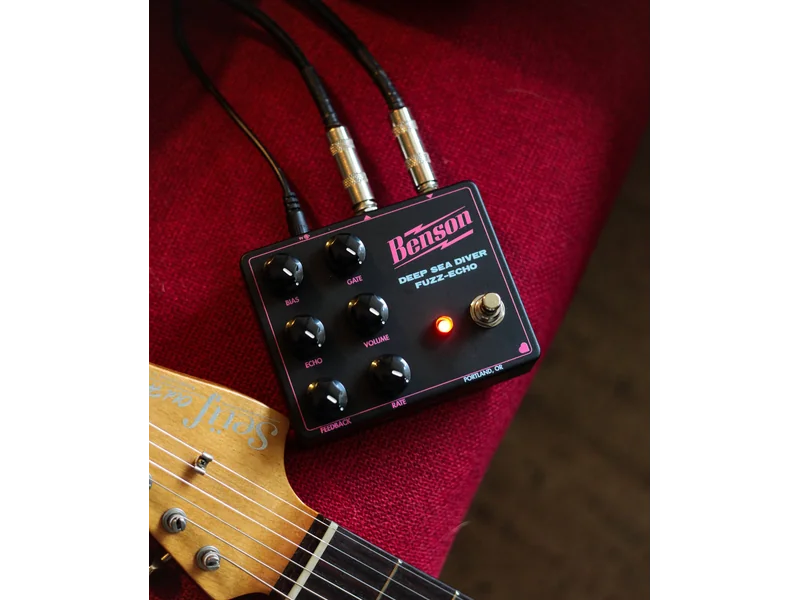
Deep Sea Diver
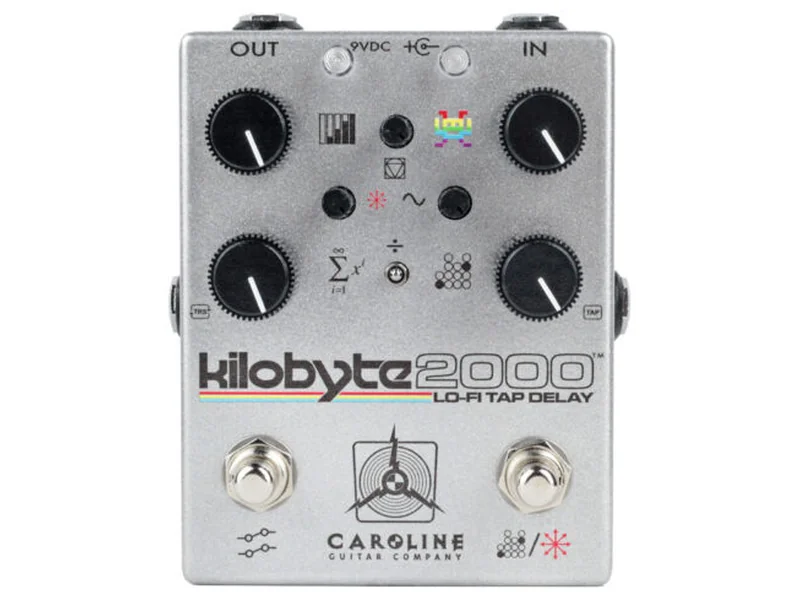
Kilobyte 2000
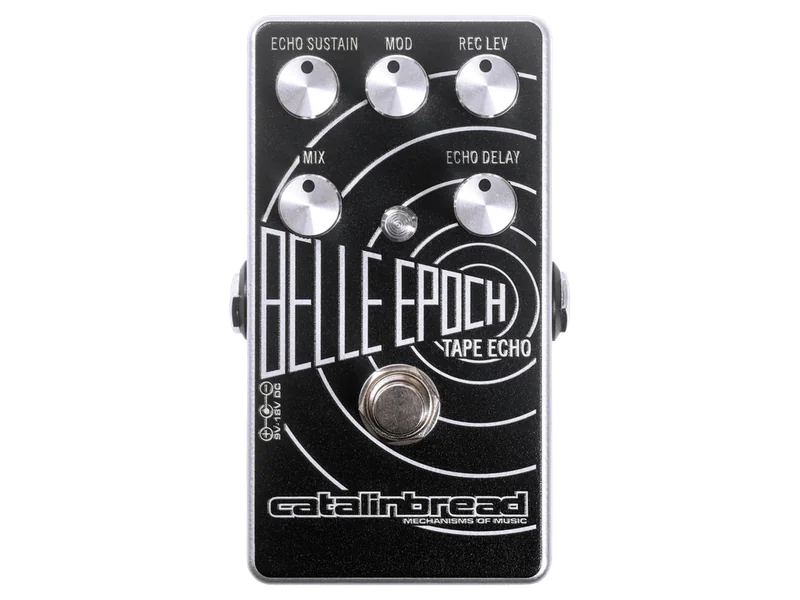
Belle Epoch
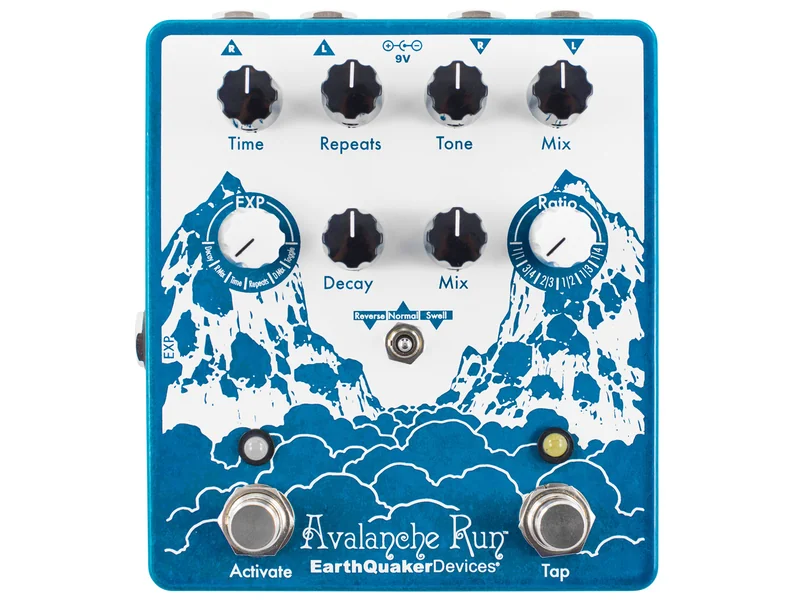
Avalanche Run V2
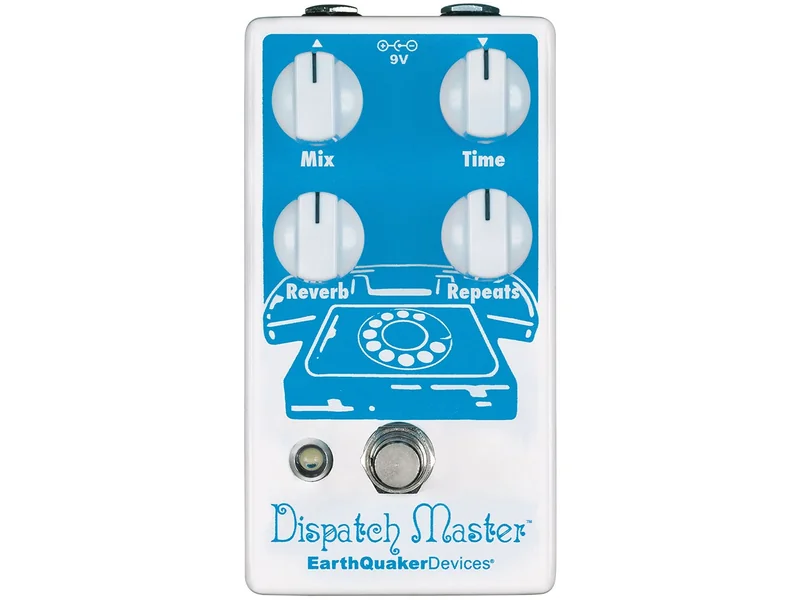
Dispatch Master
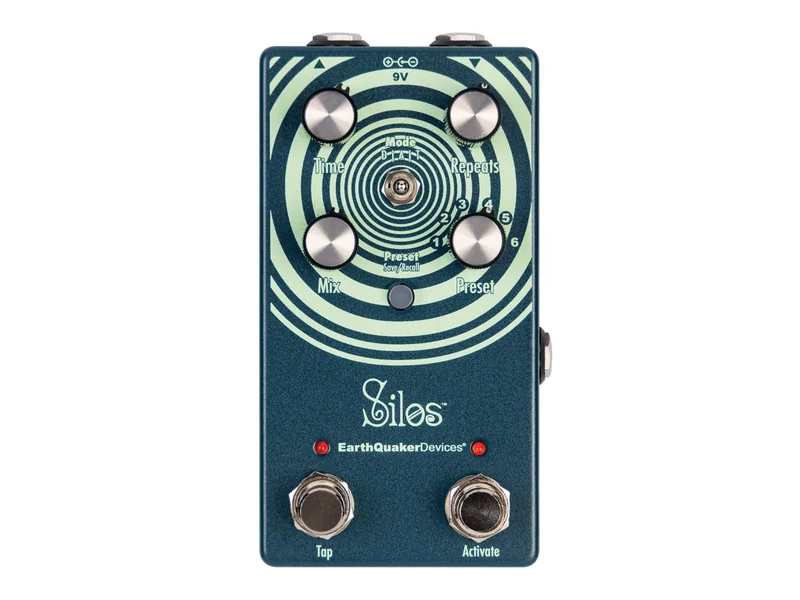
Silos
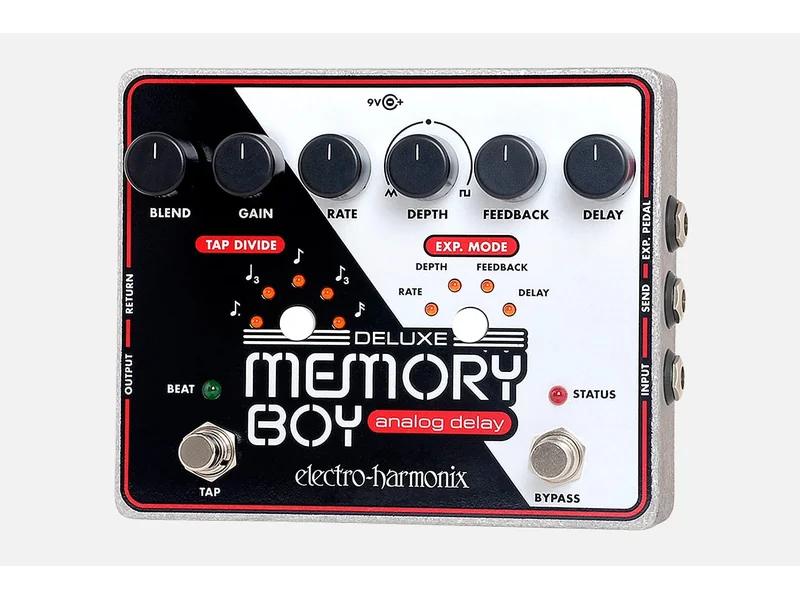
Deluxe Memory Boy
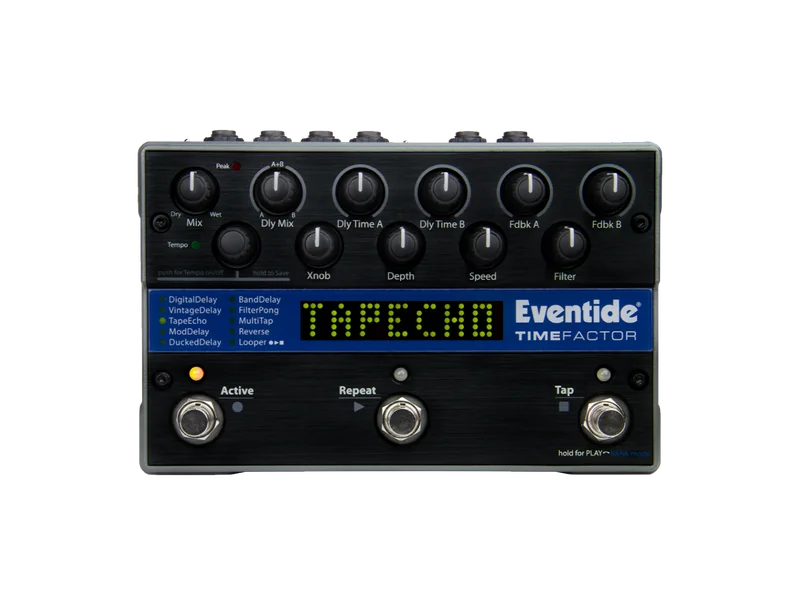
Time Factor Twin Delay
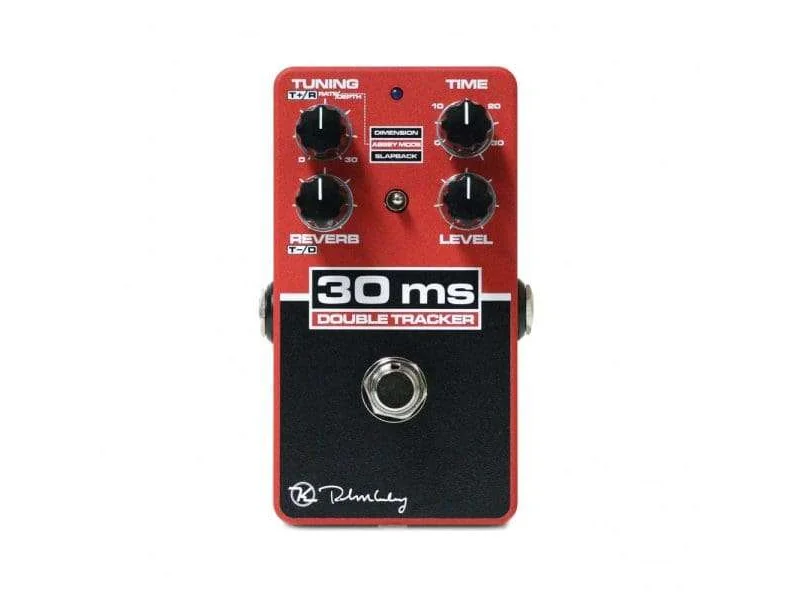
30ms Automatic Double Tracker
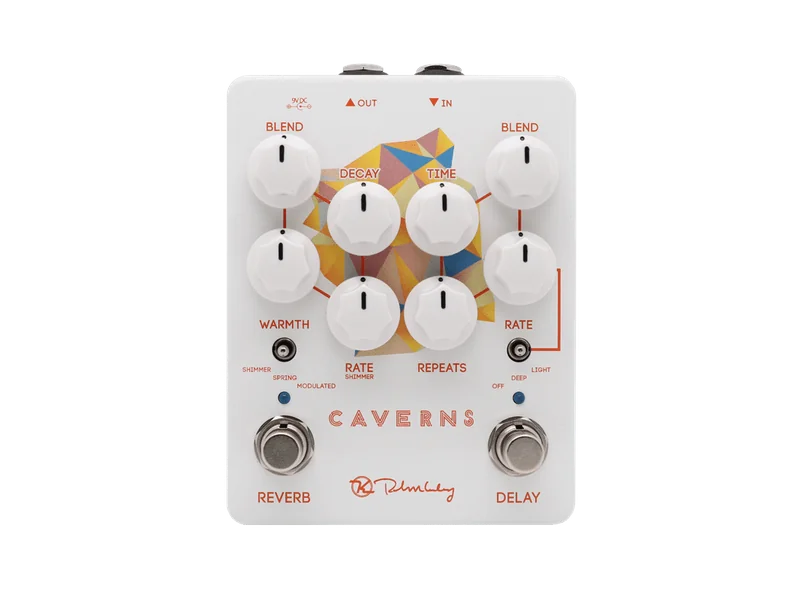
Caverns Delay Reverb V2
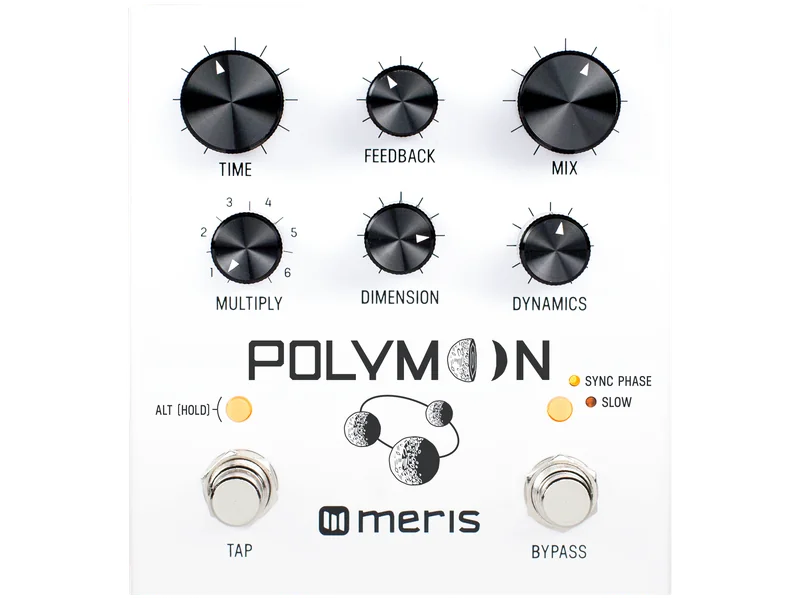
Polymoon Delay
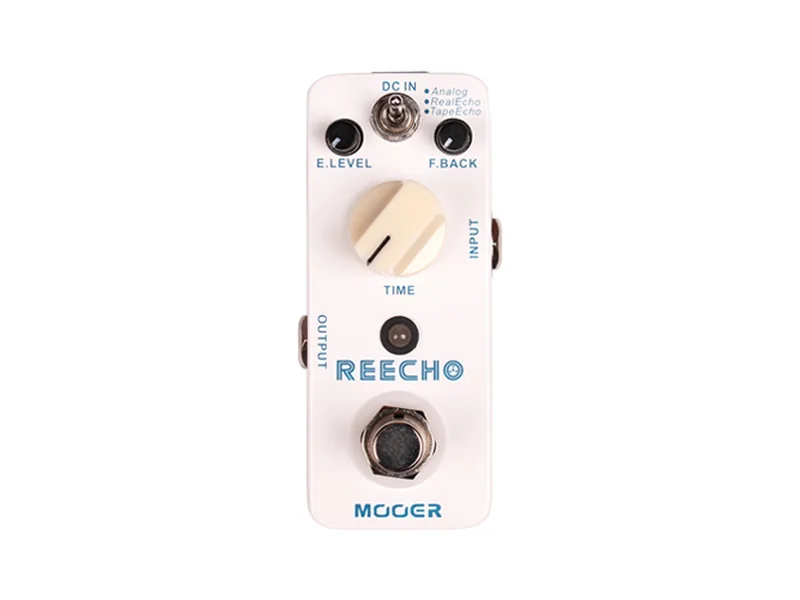
Reecho
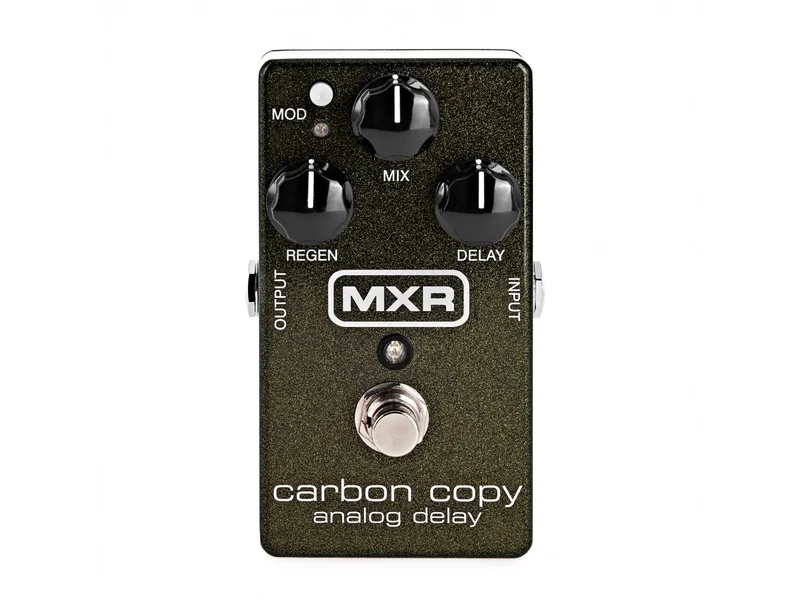
Carbon Copy
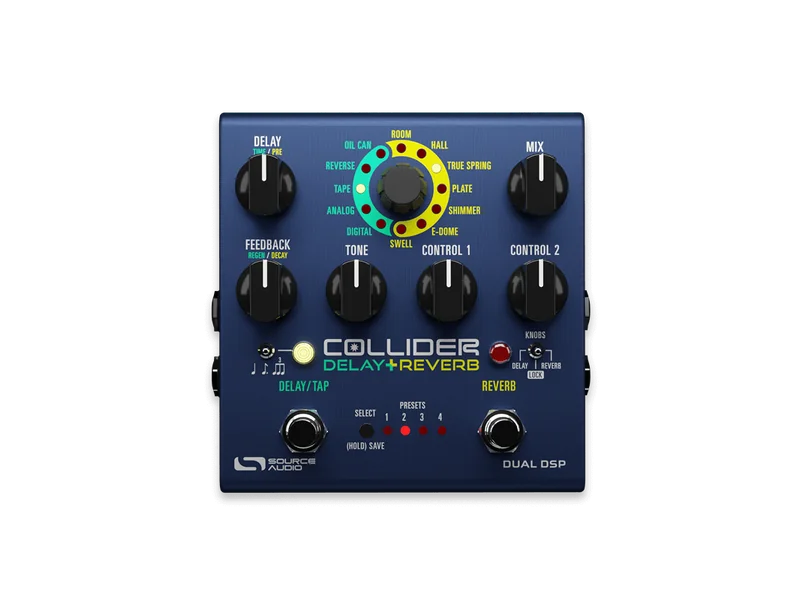
Collider Delay + Reverb
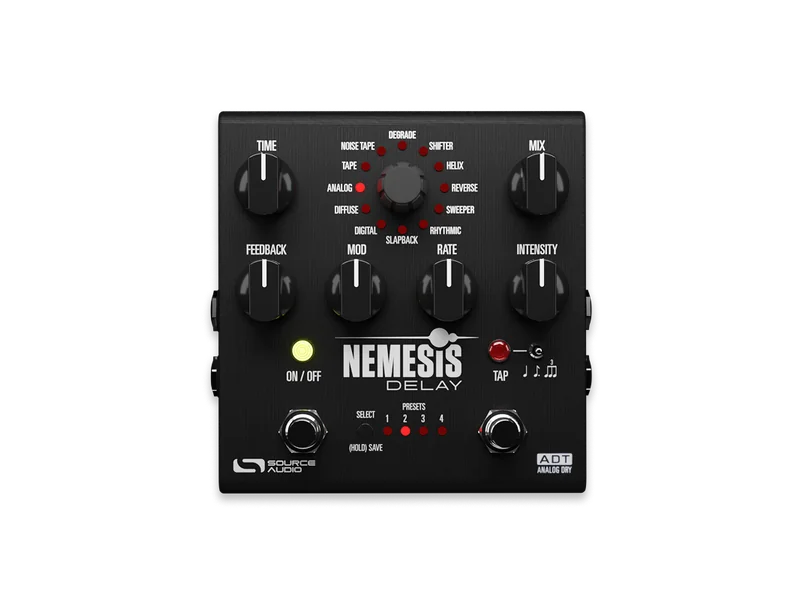
Nemesis Delay ADT
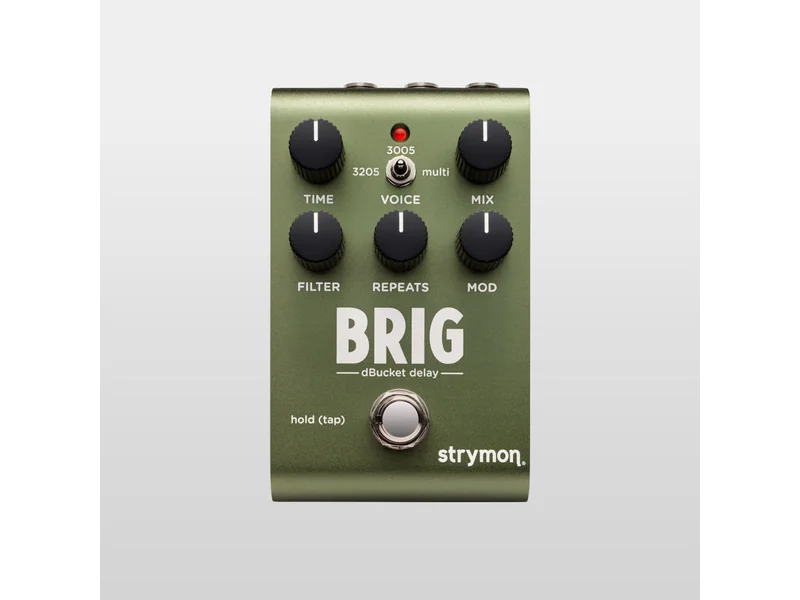
Brig
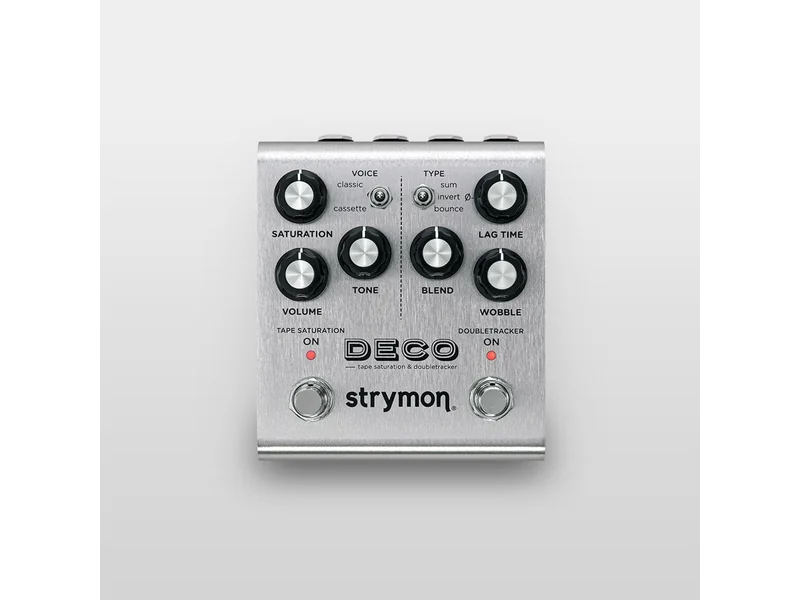
Deco V2
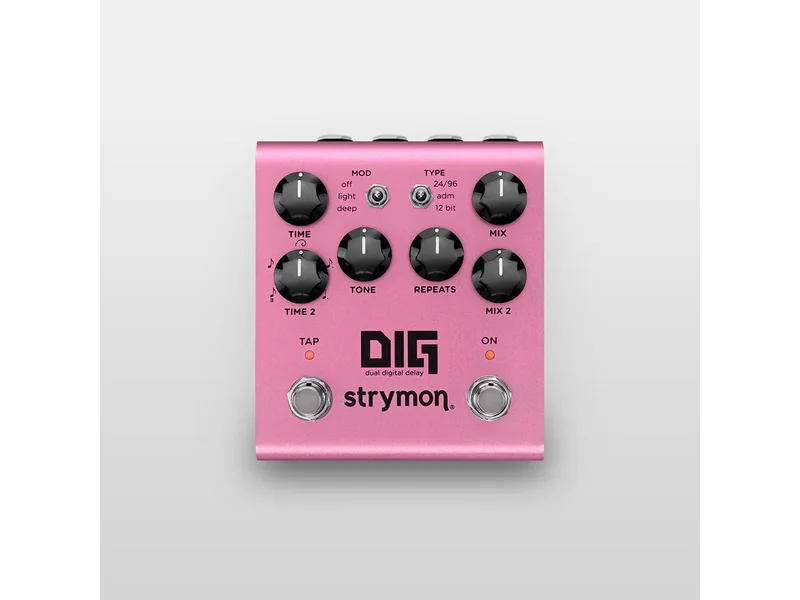
DIG V2
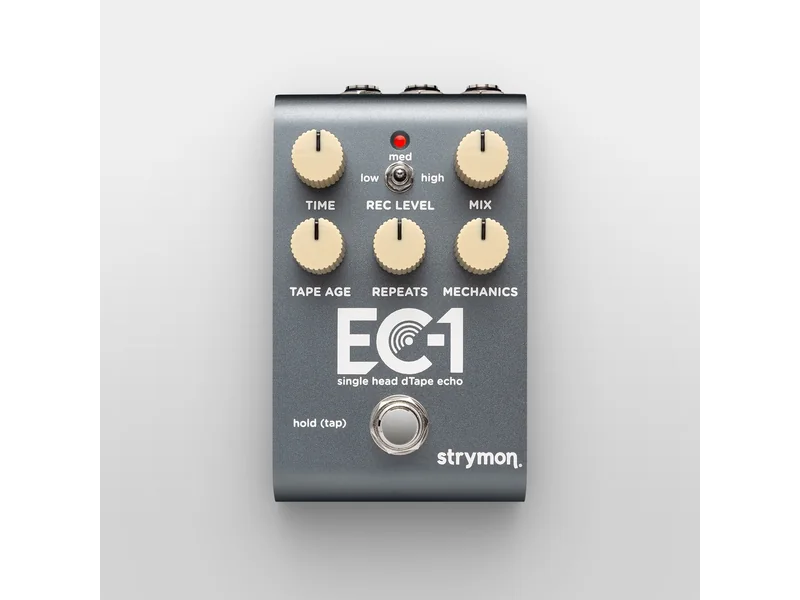
EC-1
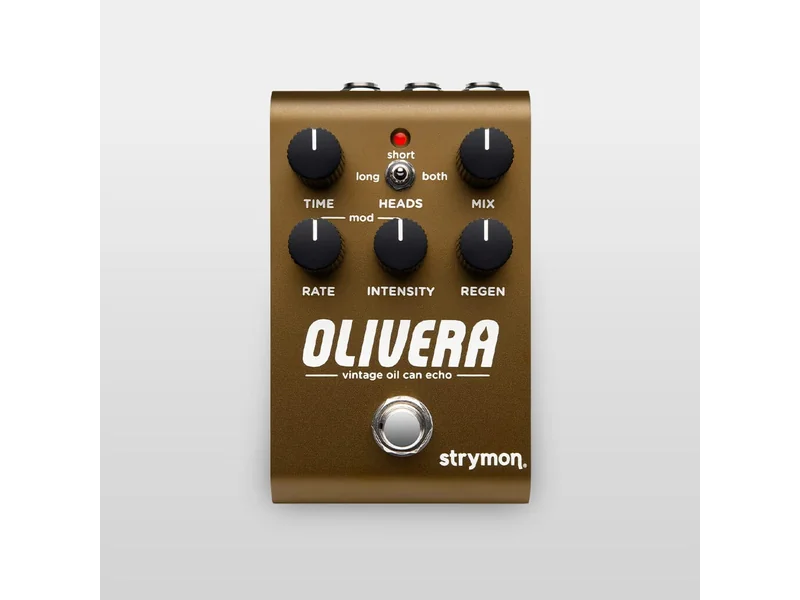
Olivera
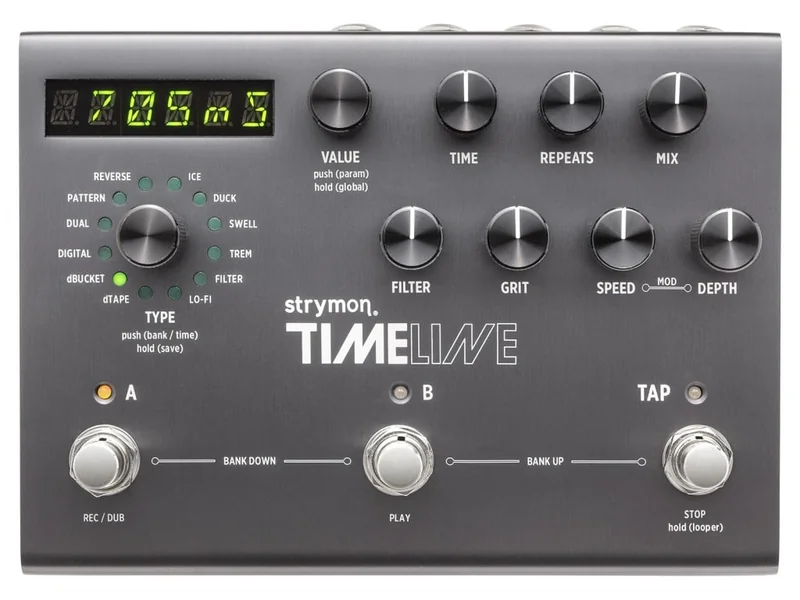
Timeline Delay
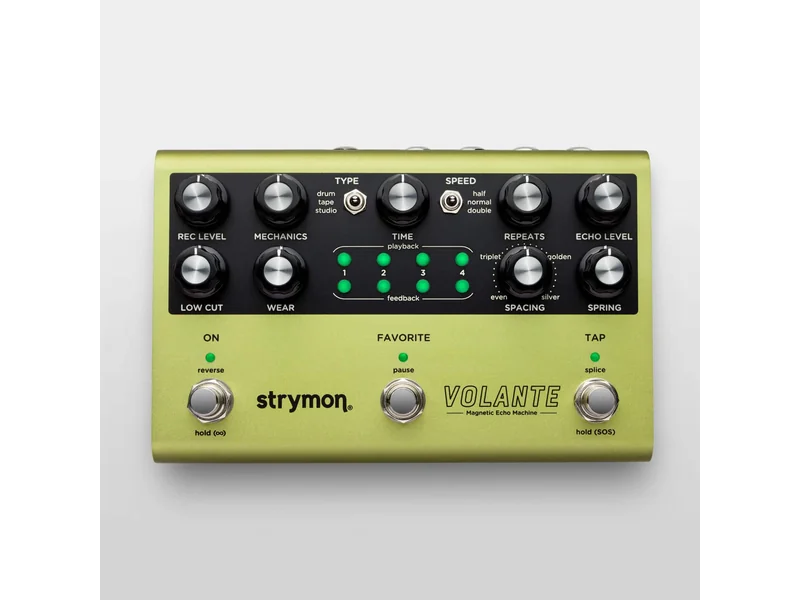
Volante
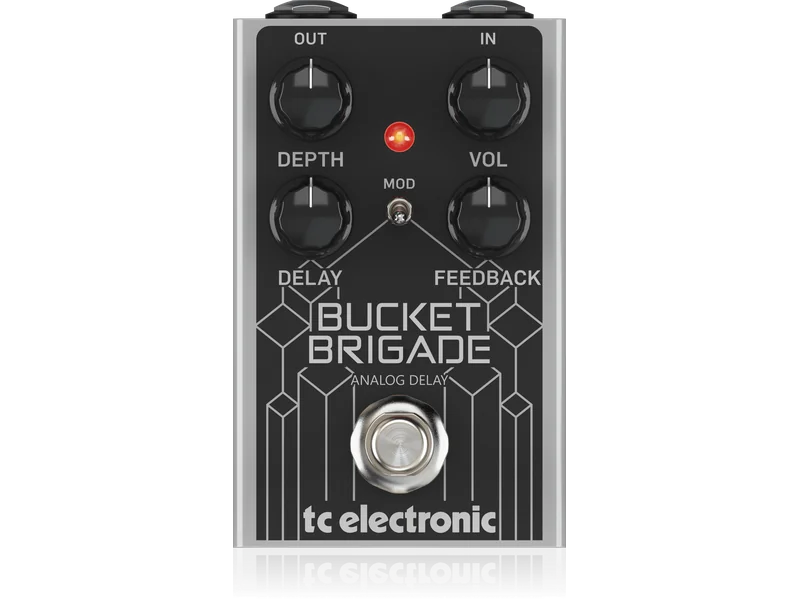
Bucket Brigade Analog Delay

Flashback 2 Delay
Flashback Delay & Looper
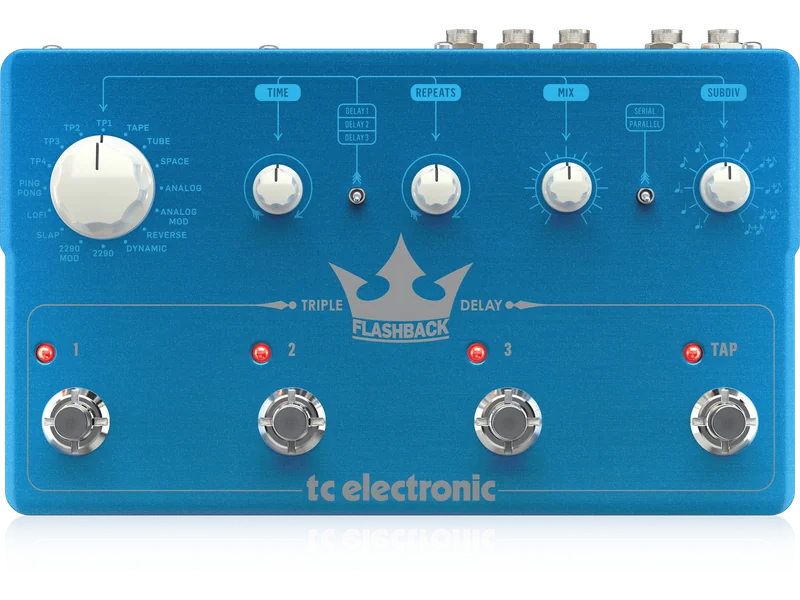
Flashback Triple Delay
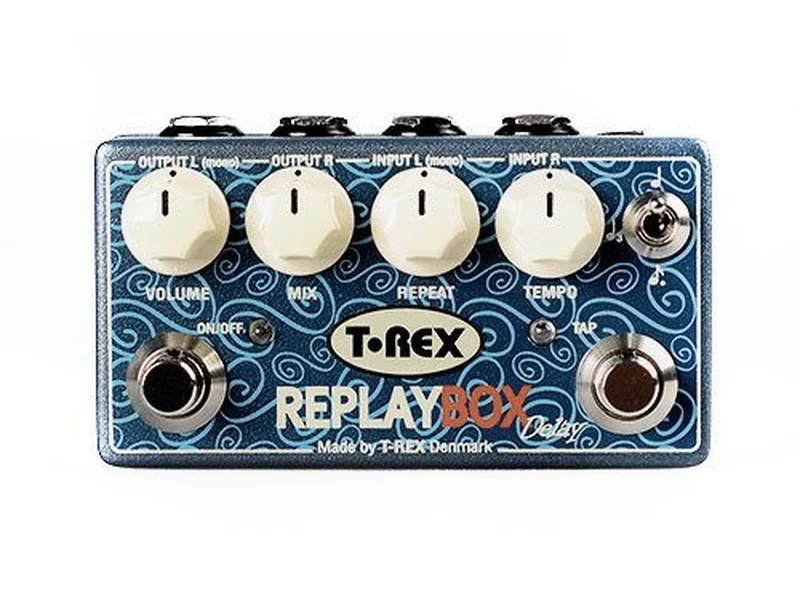
Replay Box
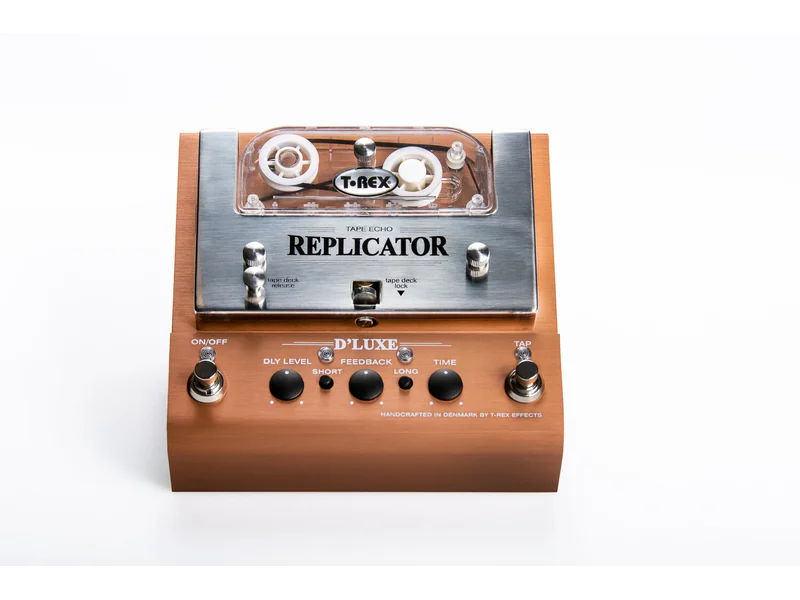
Replicator Dlux
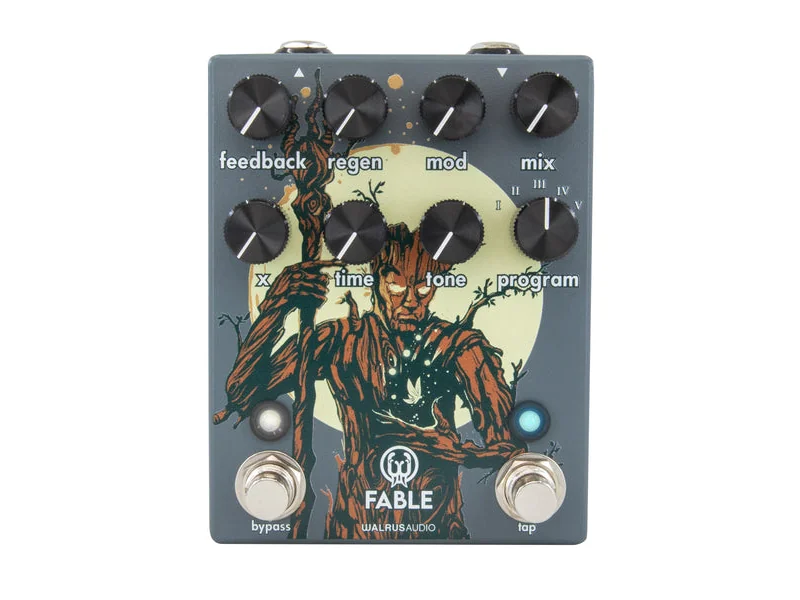
Fable Granular Soundscape Generator
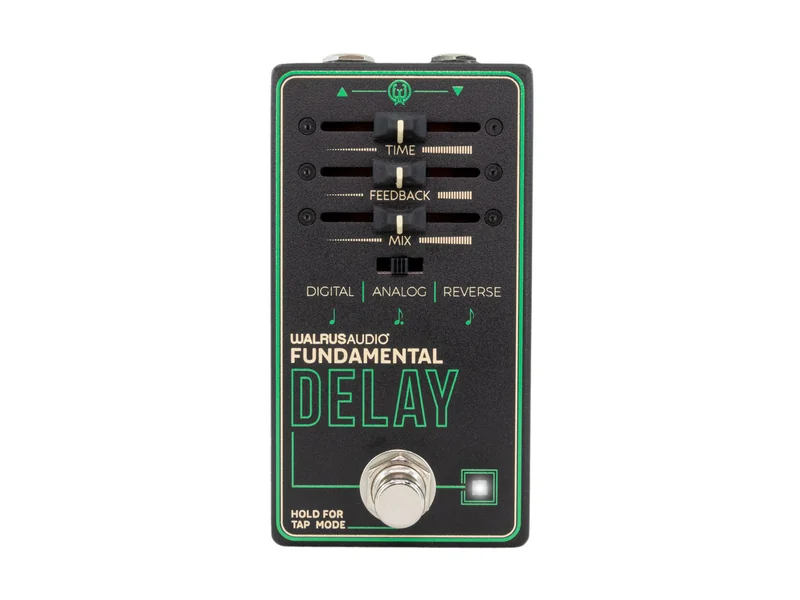
Fundamental Delay
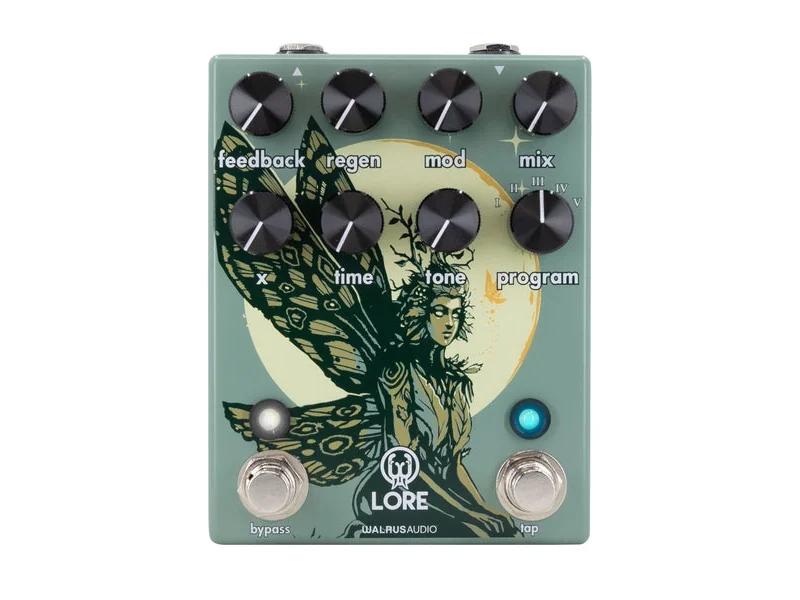
Lore Reverse Soundscape Generator